Intro
I made a visual identity for Over Easy Worldwide. I was proud of what I made and learned some things in the process, so I thought I’d share a bit about it! Here is one version of how it looks:
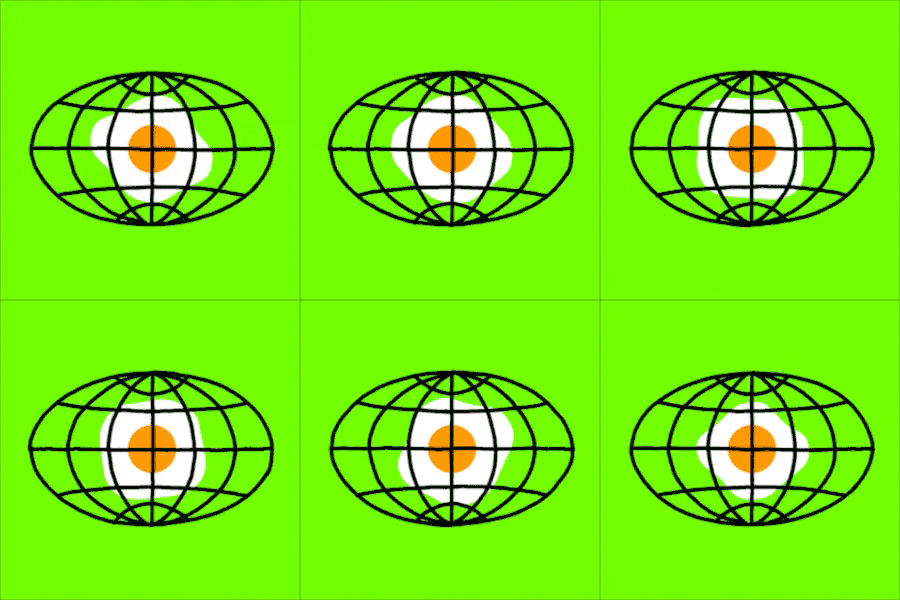
I’m not really a logo person and would be reluctant to take on a logo design for a client, but when we were thinking about starting our LLC, and thinking about its name … to put it simply: I had a vision lol.
The vision
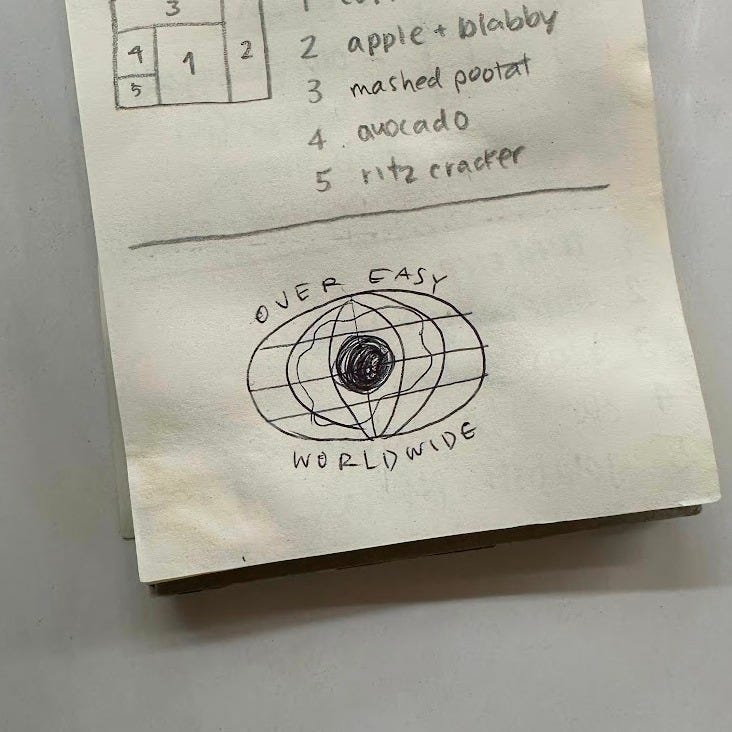
Kev and I had planned to spend a few kid-free days in Las Vegas in November, where we’d book a nice hotel on points and do a “hackathon.” My hope was to go into this trip with this sketch and come out with … something more polished than a sketch!
I wanted the visual identity to have some hand drawn aspects and movement involved. And on screens, I also wanted it to be dynamic and changeable in realtime without being too heavy of a load, which I hoped to achieve with code.
Enter Claude
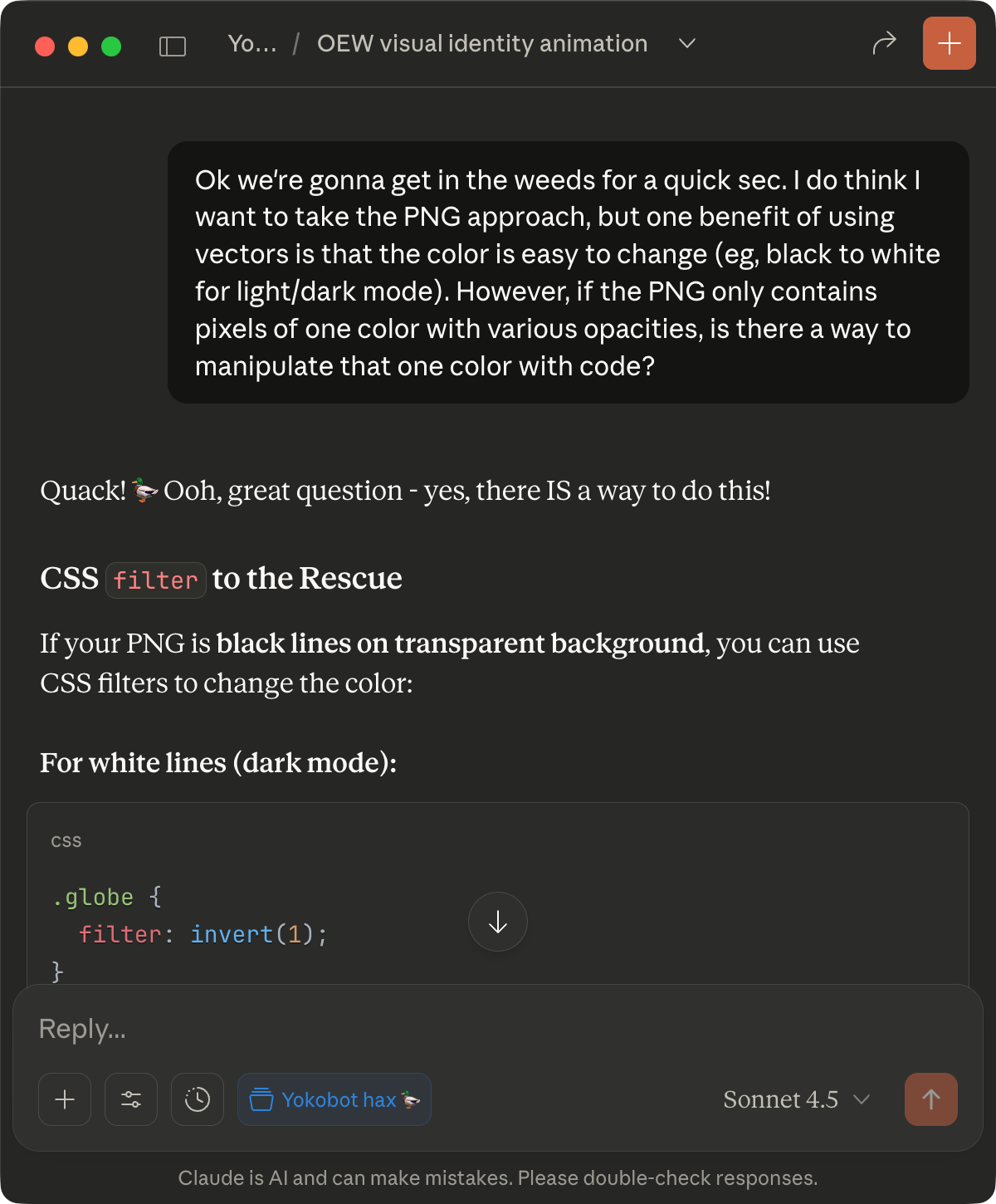
I felt like I knew just enough about frontend development to feel 80% confident that this was possible. But I wasn’t sure, and further, I had no idea how to actually implement it. And so I fired up Claude:
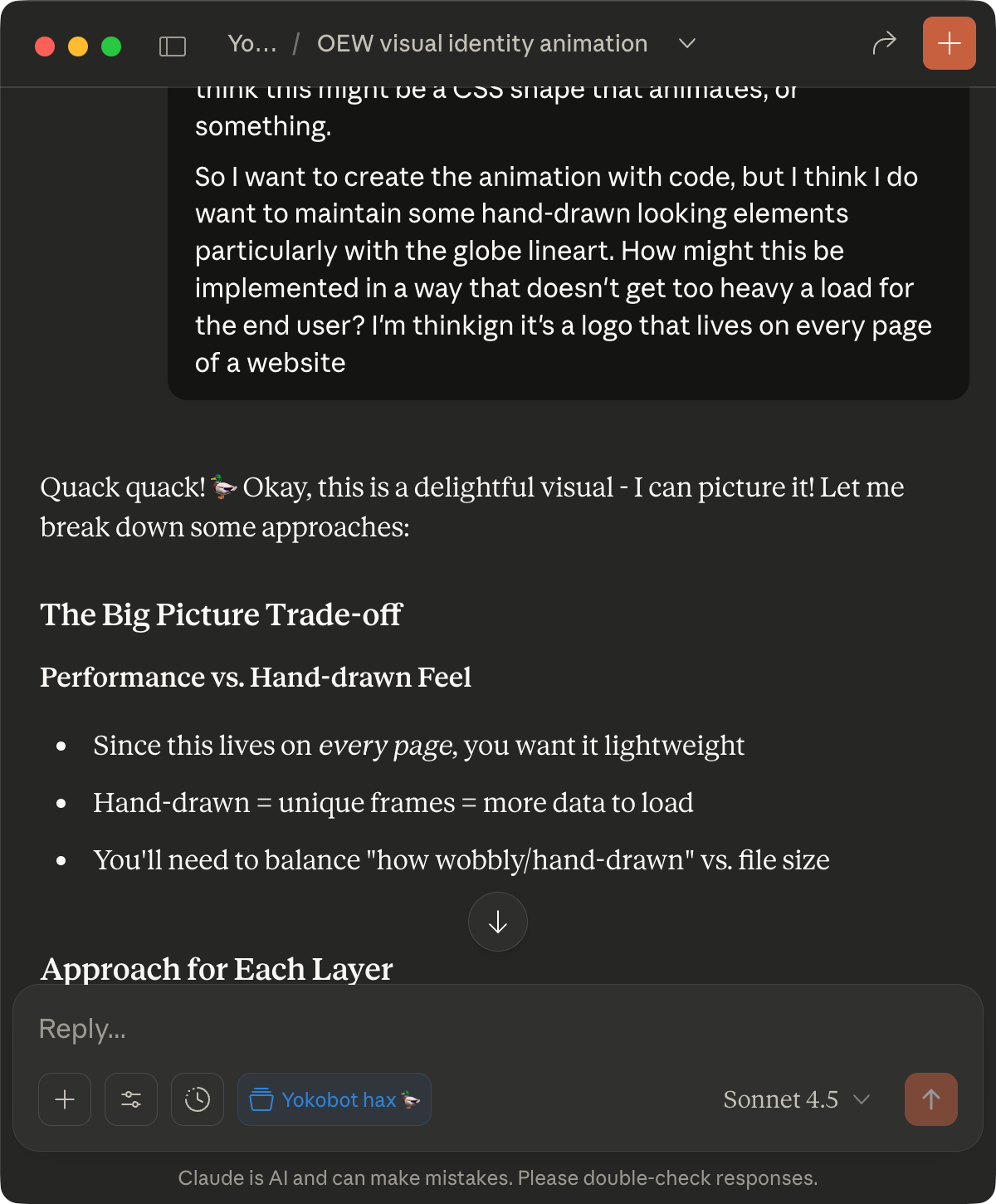
What followed was a bunch of back and forth about what approaches I could take to implement the idea (more on that next). My frontend knowledge is sparse and probably stuck in the 2010s, but I’m a weirdo and still prefer to write the code myself. Anyway, it was helpful to leverage Claude for exploring different ways to get to the desired end result. Plus it generated this dinky code-sketch for me, which I will humbly characterize as a proof of concept:
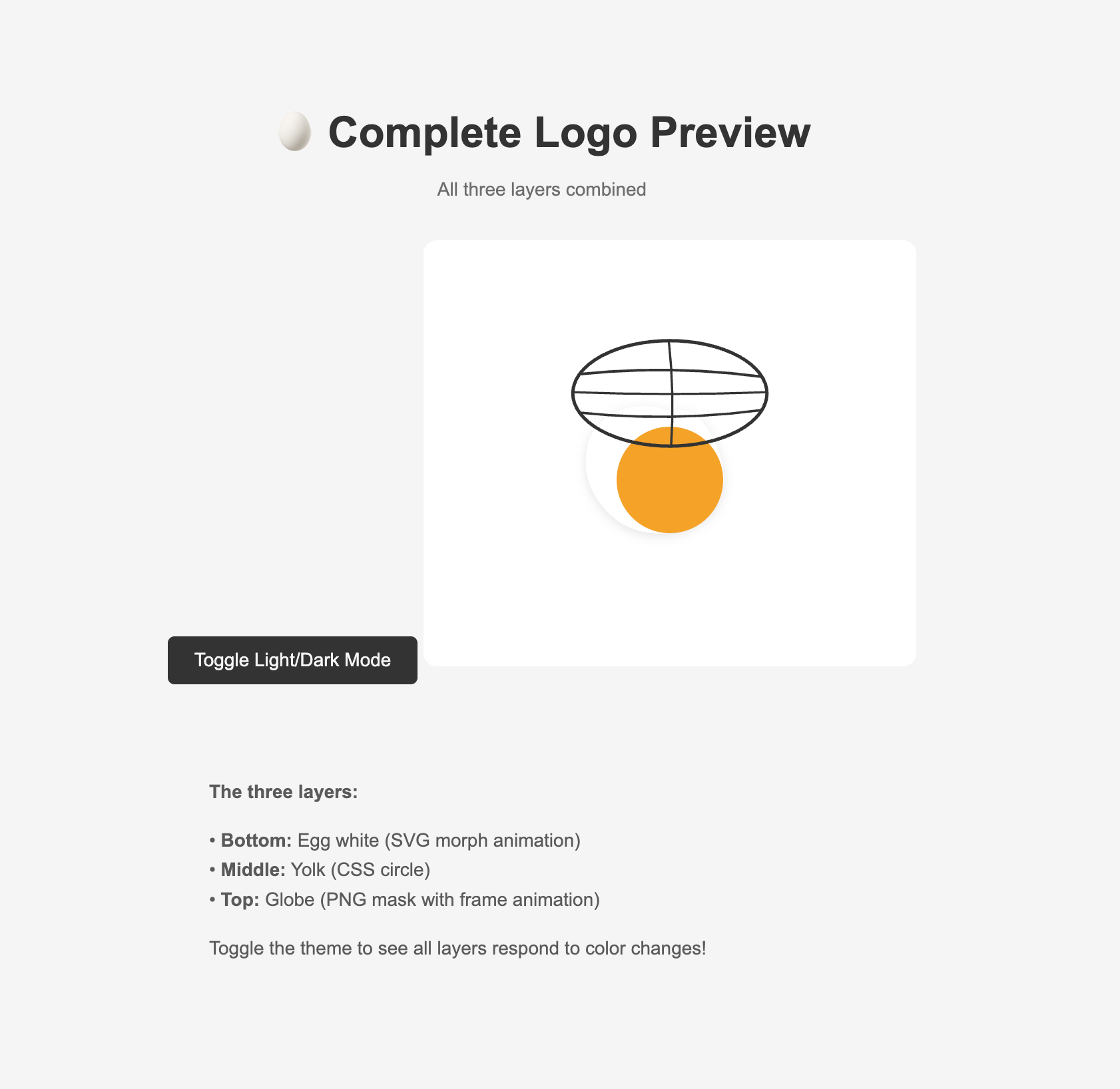
Alright, let’s talk about how it came together:
Design & implementation
We’ll talk about the logo as 3 layers, from top to bottom:
- Globe
- Egg yolk
- Egg white
Globe
In the vision, I had imagined the retro-y globe to be hand-drawn, and so I thought it could be interesting (and maybe more visually forgiving of its imperfections) if it were also animated. I didn’t necessarily want the globe itself to move, but I wanted movement in it, so I decided to draw a few frames of the globe and combine them into a looped animation.1
I had a lot of dreams for what this globe layer would do:
- It’s animated and hand-drawn, as explained above
- It’s transparent (to show the layers underneath)
- It’s dynamic in color (to be legible on both light and dark surfaces, and seamlessly switch if needed)
Seems pretty ambitious! And I wasn’t sure if it was even possible. But buried in my brain was a memory of reading about PNGs, which are raster image files with smooth transparency capabilities, being manipulatable with code.
What I learned: Images can be used as masks using CSS, meaning that when the image is be overlaid on another element, the parts of the image that are light (or dark) allow the element below to show through (or not). Very cool!
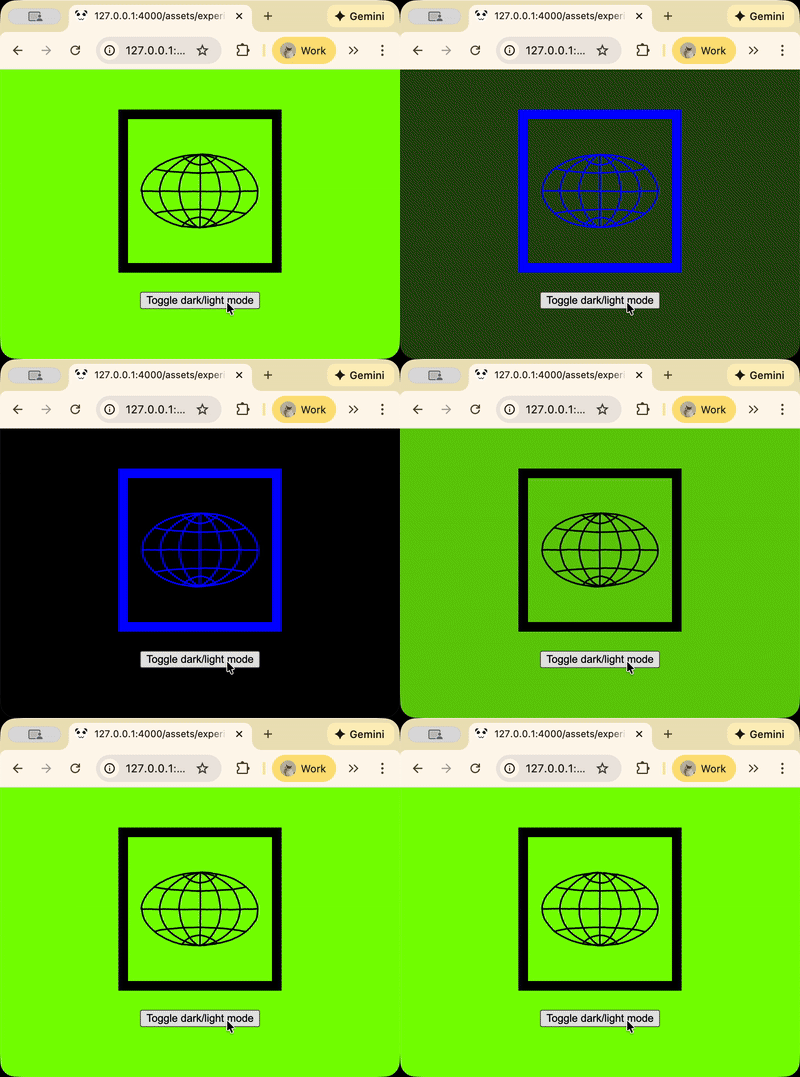
The element under the masked globe PNG has a background color that can be changed dynamically with code. The mask layer above will let that background color show through. This is how you create the “illusion” that the PNG image itself is changing color. From here, to get the whole thing to animate, I used CSS animations to cycle through 4 PNG masks.
Egg yolk
The yolk is just a circle, so it was mercifully simple compared to the other layers.
I did end up learning about using calc() and CSS variables so it was straightforward to keep the proportions and placement of the yolk aligned with the rest of the image.
.oew-logo {
    --base-size: 120px;
    // ⬆️ All logo size/spacing is relative to this
    width: var(--base-size);
    height: var(--base-size);
    margin: 0 auto;
    position: relative;
}
.logo-yolk {
    transform:
        // ⬇️ Math!!! Also TIL translate() and calc()
        translateX(calc(var(--base-size) * 0.42))
        translateY(calc(var(--base-size) * 0.42));
    width: calc(var(--base-size) * 0.16);
    height: calc(var(--base-size) * 0.16);
    background: var(--yolk-color);
    border-radius: 50%;
    transition: background 0.3s;
}
Egg white
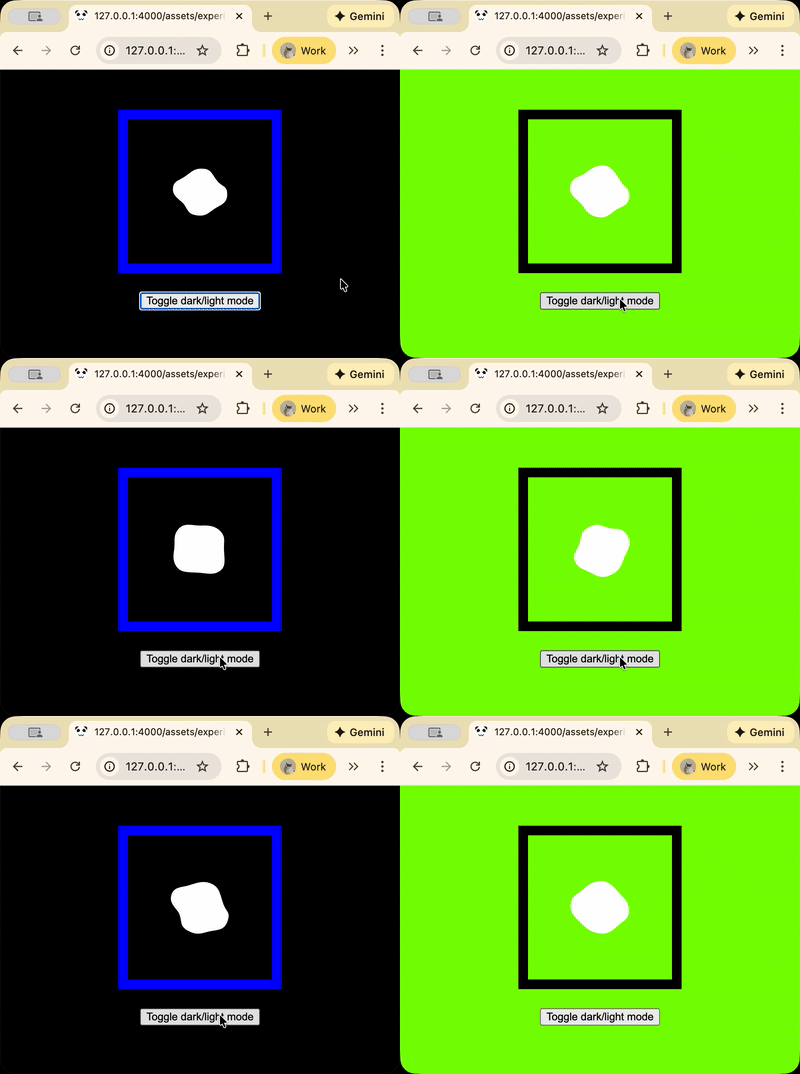
The egg white is also an animation, but instead of cycling through PNGs, it cycles through 4 blobby SVG shapes, with smooth transitions in between.
Learning about SVGs sent me into a deep hole that I was not ready for. I had hoped to understand enough to see if I could generate the blobby shapes randomly. But after a few hours of looking into it, I realized that I had gone way too deep and had to back out. So I ended up just drawing 4 blobby shapes in Figma, exporting them into SVG code, and plugging each of those in as “frames” of an SVG animation.
In conclusion
It’s been about a month since I started working on this, and already I feel like there are improvements I could be making to the logo:
- I’d love to tighten up the globe lineart a bit more so the hand-drawn animation is more subtle, and maybe add a couple more frames.
- I didn’t really think about the “in-between” transitions that happen with the SVG animation, and right now the blob looks almost like it goes back to being a circle-y shape in between each keyframe. So I might want to redraw some of those frames so that the transitions look smoother.
- I think I might have gone thru an unnecessarily complicated process with making the globe PNGs I used for the masks (they’re transparent, which made the drawing and exporting of them a bit of a pain, but I don’t think the images need to be transparent for using mask-image?). So maybe there’s an efficiency to gain there.
But overall, I’m happy with the result and proud of the technical approach! And I have to say: It’s really nice to just jump straight into the execution of an idea rather than going through the whole ideation rigamarole that was expected of any design process at my last job. I get why we do these things, but/and shoutout to working for myself.
You can see a demo on my website here. And we’ll probably roll out this change to the OEW website in the coming weeks :)
Stuff I looked up in the process
- https://web.dev/articles/css-masking
- https://www.svgviewer.dev
- https://developer.mozilla.org/en-US/docs/Web/CSS/Reference/Properties/mask-image
-
This is the first footnote. ↩